Part of our series on AI agents in your CRM. See also: Salesforce Agentforce, HubSpot Breeze, Pipedrive AI, Microsoft Dynamics 365.
Updated November 2026. This post first appeared in January 2025. Since then Salesforce has released a new Agentforce Builder, renamed topics to subagents, introduced Agent Script and moved to credit-based pricing. We've rewritten it to match how Agentforce works today.
Prompt Builder vs. instructions: two different jobs
When you build an agent in Salesforce Agentforce, you meet two things that look alike: prompt templates made in Prompt Builder, and the instructions you give the agent in Agentforce Builder. Both are plain English sent to a large language model, so it's easy to treat them as interchangeable. They aren't.
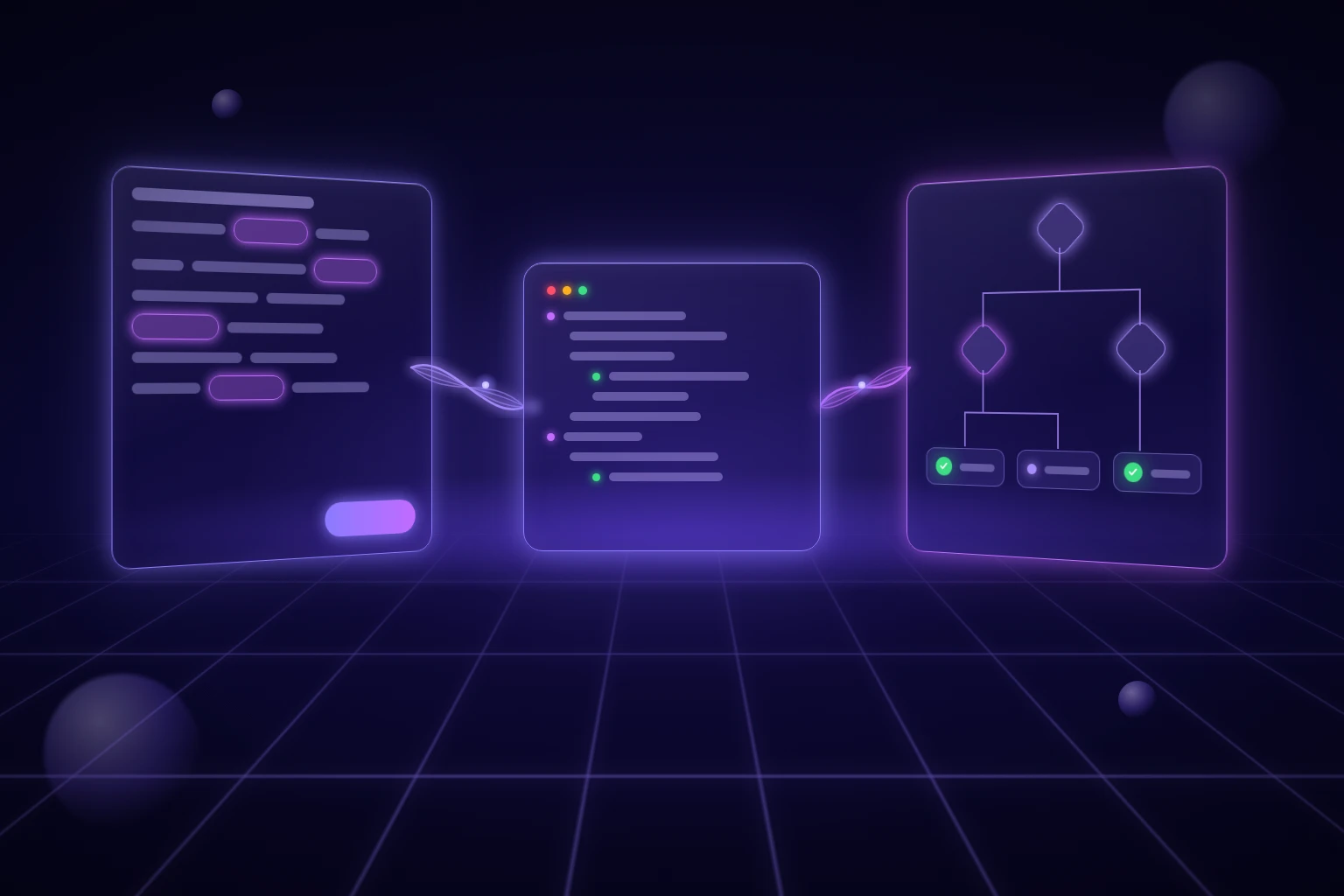
A prompt template controls one generation: draft this email, summarise this case, explain this deal, using this record's data.
Instructions control the agent: when it should act, which subagent handles a request, which actions it may call, what it must never do, and when to hand over to a person.
Getting this split right is still the difference between an agent that behaves and one that improvises.
What changed since 2025
A new Agentforce Builder. It has a Canvas view that shows the agent as readable blocks, a Script view for editing the agent definition directly, and chat-based authoring that turns a plain-English description into subagents, actions and instructions. The legacy Agent Builder is still available.
Topics are now subagents. Same idea: a subagent groups the instructions and actions for one job, such as order status or lead qualification.
Agent Script and hybrid reasoning. Agent Script is a declarative language for describing an agent. Parts of the flow can run deterministically (always check identity first, always call this action at this step), while other parts are left to the model's judgement. Previously, the model selected conversational routes and actions; Flow and Apex actions could already execute deterministic logic. Agent Script adds explicit orchestration controls.
Data Cloud became Data 360, and can supply grounding data alongside Salesforce records and configured resources.
Several pricing models. Agentforce offers Flex Credits, conversation-based consumption and per-user licensing. Eligible prompts and billable actions consume credits under the applicable rate card; some employee usage is unmetered.
The role of Prompt Builder
Prompt Builder is where admins create reusable prompt templates. A template is a prompt with placeholders that Salesforce fills with live data when it runs.
Grounding. Templates pull in record fields, related lists, Flow or Apex output, and Data 360 retrievers, so the model works from the customer's actual data rather than guessing.
Template types. Sales emails, field generation, record summaries and flex templates cover the common cases. Each can be tested against real records before you activate it.
Reuse. The same template can be called from a Lightning page, a Flow, Apex or an agent. To an agent, a prompt template is just another action.
Control of the output. Tone, length, format, and what to include or leave out all live in the template, to provide consistent guidance; generated results can still vary.
Use Prompt Builder when you need one well-defined piece of content, generated with a consistent template and grounding configuration.
The role of instructions
Instructions live in Agentforce Builder, at the agent level and inside each subagent. They tell the reasoning engine how to behave over a whole conversation.
Routing. Subagent descriptions and instructions decide which subagent picks up a request.
Rules and guardrails. "Never quote a discount above 10 %." "Always confirm the order number before giving status." "Escalate to a human if the customer mentions legal action."
Action use. Which action to call, in what order, and with which inputs.
Determinism where it matters. With Agent Script, steps that must always happen can be written as fixed logic, with the model's judgement kept for the parts that need it.
Instructions are no longer "static" or developer-only. Admins write most of them in plain English, the builder can generate a first draft from a description, and Agent Script is there when you need precise control.
Use instructions when you need to shape decisions across a conversation.
Side by side
Comparison | Prompt Builder (prompt templates) | Instructions (Agentforce Builder) |
|---|---|---|
Scope | One generation | The whole agent and each subagent |
Shapes | The content of an output | Routing, rules, action choice, hand-off |
Data | Grounded with merge fields, Flow, Apex, Data 360 | Uses actions (including prompt templates) to get data |
Predictability | Reusable guidance and grounding; results can vary | Model judgement, plus deterministic steps with Agent Script |
Who builds it | Admins | Admins, with developers for Agent Script and custom actions |
Cost | Eligible prompt usage may consume credits; entitlements matter | Runtime pricing depends on the licensing and consumption model |
How they work together
A good Agentforce agent uses both:
Instructions decide. A seller asks the agent to "follow up with Acme after yesterday's demo". The sales subagent's instructions recognise the request, check the deal is open, and choose the follow-up action.
A prompt template generates. That action runs a sales-email template grounded with the deal, the contacts who attended, and the last activity.
Instructions check. Before anything is sent, the instructions require the seller to approve the draft.
Rules of thumb we use:
If you keep writing formatting rules into instructions, move them into a prompt template.
If a prompt template is trying to decide whether to do something, that logic belongs in instructions or Agent Script.
Put rules that must never be broken in deterministic steps, not in the model's instructions.
Check the actual licensing model and consumption rate card. Frequency matters for metered usage, but not every interaction is separately charged.
The part neither one solves
Prompt templates and instructions make Agentforce agents more reliable, but they don't decide what your agents should be doing. Most teams start with service or top-of-funnel agents, because those have clear rules. The middle of a complex deal — who's in the buying committee, what was promised after the demo, which deals are quietly stalling — is harder to write instructions for, and it's where account executives spend most of their week.
Salesforce also offers prebuilt pipeline and deal assistance. Evaluate what your configured agents already cover before adding another tool. Our Salesforce Agentforce article compares those workflows rather than claiming vendors have no deal-stage capabilities. Apply the same evaluation to HubSpot Breeze, Pipedrive AI and Dynamics 365.
For background, see Templates in Agentforce and The Rise of Large (AI) Action Models (LAMs).
Kondakta works with Salesforce through explicit permission-scoped deal/contact updates and supported activity operations. Automatic two-way activity sync is a separate conditional invitation reward, not unrestricted CRM sync. HubSpot, Pipedrive and Microsoft Dynamics 365 direct import connectors are live in Beta and import only, with no write-back. The Import Wizard also accepts mapped CSV/Excel exports from other CRMs, and you can work without a CRM. Kondakta prepares reviewable follow-ups, next steps and evidence-led MEDDIC guidance. Drafts do not send themselves; protected changes require confirmation.
Official Salesforce references
More in this series
Read article
Read article
Read article
Publishes November 30, 2026